

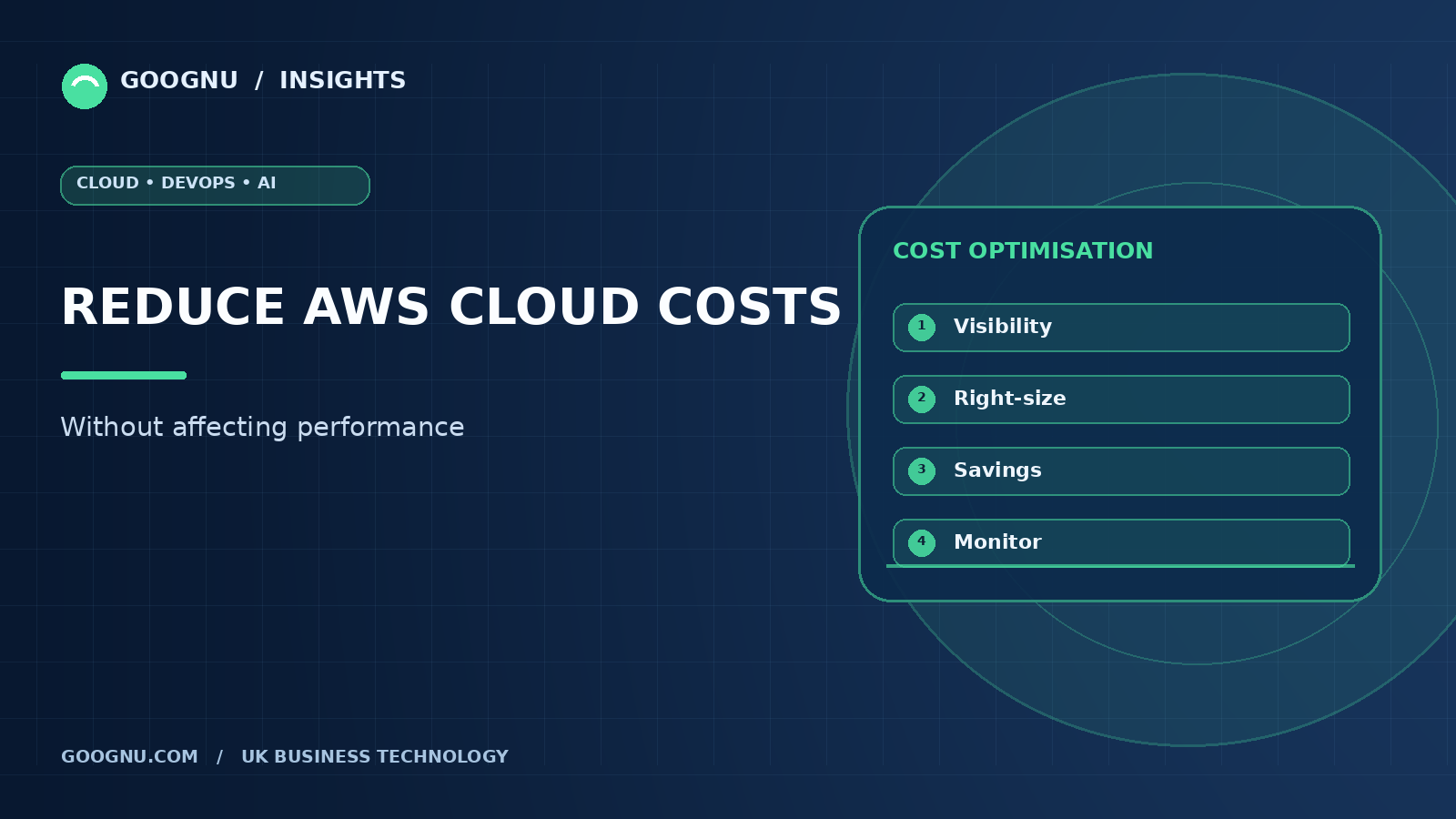
Amazon Web Services (AWS) gives businesses the flexibility to run applications, store data and manage IT infrastructure without maintaining all their own physical servers. However, as cloud environments grow, monthly bills can increase due to unused resources, inefficient configurations and changing workloads.
For UK businesses, reducing cloud spending is important, but cutting costs without understanding resource requirements can create performance problems. Applications may become slower, services may become less reliable, and customers may experience disruptions.
Effective AWS cost optimisation focuses on paying for the resources your business actually needs while maintaining application speed, availability and security. This guide explains practical ways to control AWS costs without compromising the performance your users expect.
What Is AWS Cost Optimisation?
AWS cost optimisation is the process of reviewing cloud usage, identifying unnecessary expenditure and making better use of available resources. It involves understanding where money is being spent and deciding whether each resource provides enough value.
For example, a business might run an Amazon EC2 instance that uses very little computing capacity throughout the day. Choosing a more suitable instance could reduce costs without affecting application performance.
However, reducing the size of every server is not a reliable strategy. Some applications need additional capacity during busy periods, and reducing resources too aggressively can cause slow response times.
The aim is to match resources to actual workloads, remove waste and monitor results continuously.
1. Monitor AWS Spending and Identify Costly Resources
Before making changes, businesses need to understand which services account for the largest share of their AWS bills. Without this information, teams may spend time reducing small expenses while overlooking more significant opportunities.
AWS Cost Explorer helps users review spending patterns, compare usage across periods and investigate cost trends. AWS Budgets can also provide alerts when spending or usage approaches defined thresholds.
Start by reviewing your main cost categories, including computing, storage, databases and data transfer. Use cost allocation tags to organise spending by application, department or project where appropriate.
Why it matters: Clear cost visibility helps teams prioritise changes based on their potential impact rather than making assumptions about which resources are expensive.
2. Right-Size Your Amazon EC2 Instances
Amazon EC2 instances provide computing capacity for applications and services. Selecting instances that are larger than necessary can increase costs, particularly when those resources run continuously.
Right-sizing means choosing an instance type and size that match the workload's computing, memory and networking requirements.
Review CPU utilisation, memory consumption, network activity and application response times before making changes. AWS Compute Optimizer can provide recommendations for supported resources using available utilisation data.
Avoid reducing instance sizes simply because average CPU usage appears low. An application might experience short periods of high demand that are important for performance.
Test proposed changes in a suitable environment, monitor the results and retain enough capacity to handle normal workload variations.
3. Choose the Right AWS Pricing Model
AWS offers different purchasing options that can help businesses reduce computing costs when used appropriately.
On-Demand Instances are useful when workloads are unpredictable or require flexible capacity without a long-term commitment.
Savings Plans can reduce eligible computing costs in exchange for committing to a consistent amount of usage expenditure over a one- or three-year term, depending on the plan.
Reserved Instances can offer discounts for eligible services and configurations, subject to their terms.
Spot Instances use spare AWS capacity and can offer substantial savings for suitable workloads. However, AWS can interrupt Spot Instances, so they are generally better for fault-tolerant tasks such as batch processing than for applications that require uninterrupted capacity.
Before committing to a pricing model, understand your usage patterns and workload requirements. Discounts are most useful when they match resources your business genuinely needs.
4. Remove Unused Resources
Cloud resources can remain active even after the projects that needed them have ended. Development environments, old test servers, unattached storage volumes and unused snapshots can all contribute to unnecessary expenditure.
Conduct regular reviews to identify resources that are no longer required. Check ownership and dependencies before removing anything, as a resource that appears inactive may still support a business process.
For non-production environments, consider scheduling resources to stop outside working hours where appropriate. Automated schedules can reduce spending on development and testing systems that do not need to run continuously.
The key is to remove waste, not useful capacity. Document changes and ensure that important data is backed up before deleting resources.
5. Optimise Amazon S3 Storage Costs
Amazon Simple Storage Service (Amazon S3) allows businesses to store different types of data, from frequently accessed application files to long-term archives.
Keeping every file in the same storage class may increase costs when older data is rarely accessed.
Amazon S3 offers several storage classes for different access patterns. S3 Lifecycle policies can automatically move eligible objects to other storage classes or expire data when retention requirements permit.
Before changing storage arrangements, review how frequently data is accessed, retrieval charges, minimum storage durations and any operational requirements. Moving rarely accessed information to a lower-cost class may reduce storage expenditure, but unsuitable choices can increase retrieval costs or affect access times.
Businesses should also establish clear retention policies to prevent unnecessary data accumulation.
6. Improve Database Efficiency
Managed database services such as Amazon RDS can become expensive when businesses select oversized instances, retain unnecessary storage or maintain resources that are no longer used.
Start by reviewing database utilisation, storage growth, query performance and workload patterns. Identify inefficient queries and unnecessary data duplication before assuming that a larger database instance is required.
Where suitable, adjust instance capacity based on measured demand. Consider storage options that match performance and capacity requirements, and review backup retention settings in line with recovery needs.
Any database changes should be tested carefully. Reducing capacity without understanding query patterns or peak demand can increase response times and affect applications that depend on the database.
7. Reduce Unnecessary Data Transfer Costs
AWS charges for certain types of data transfer, depending on the services, regions and traffic involved. Applications that frequently move large amounts of data between regions or services may therefore incur avoidable costs.
Review data transfer charges to understand where traffic originates and where it goes. Where appropriate, keep related resources in suitable locations, reduce unnecessary data movement and use Amazon CloudFront to deliver frequently requested content closer to users.
For UK businesses serving customers across the country, content delivery can improve loading times while reducing repeated requests to the origin infrastructure.
However, network architecture should reflect application requirements. Changes that reduce transfer costs must not introduce additional latency or create reliability problems.
8. Automate Cost Monitoring and Performance Checks
Manual reviews can identify savings, but ongoing monitoring helps businesses maintain control as workloads change.
Set up AWS Budgets alerts and use monitoring tools such as Amazon CloudWatch to track resource utilisation, application response times and other relevant performance measures.
Where possible, automate routine tasks such as stopping eligible development environments and identifying unused resources. Establish clear rules so that automation does not interrupt production workloads or remove resources needed for recovery.
Review cost and performance indicators together. A reduction in spending is not a successful outcome if application response times deteriorate or availability falls.
How Goognu Can Help with AWS Cost Optimisation
Managing AWS expenditure becomes more complicated as applications, databases and cloud services grow. Businesses may need specialist support to understand spending patterns, assess their infrastructure and identify suitable improvements.
Goognu provides cloud consulting and related AWS services to help businesses assess their cloud environments and plan improvements around their technical requirements.
A structured AWS cost optimisation approach can include reviewing resource usage, identifying unnecessary expenditure, assessing pricing options and monitoring performance after changes are introduced.
For UK organisations, the objective should be to develop a cloud environment that balances operating costs with reliability, security and application performance. Recommendations should be based on actual usage and tested against business requirements rather than applied uniformly across every workload.
Frequently Asked Questions
1. How can I reduce AWS costs without affecting performance?
Start by reviewing spending, right-sizing resources, removing unused services and selecting suitable pricing options. Monitor application performance before and after each change to confirm that service quality remains acceptable.
2. Which AWS tool helps identify cost-saving opportunities?
AWS Cost Explorer helps analyse spending patterns, while AWS Compute Optimizer provides recommendations for supported resources. AWS Budgets can alert teams when spending or usage approaches defined limits.
3. Is AWS cost optimisation suitable for small businesses?
Yes. Small businesses can benefit from removing unused resources, scheduling development environments and monitoring monthly expenditure. These measures can help control costs without requiring a complete infrastructure redesign.
4. Can AWS cost optimisation reduce monthly bills immediately?
Some changes, such as stopping unnecessary resources, may reduce costs quickly. Others require testing, planning or purchasing commitments. The results depend on the current environment and the changes implemented.
5. How often should businesses review AWS costs?
Monthly reviews are a useful starting point, supported by ongoing monitoring and alerts. Businesses with changing workloads or rapidly increasing expenditure may need more frequent reviews.
Final Thoughts
Reducing AWS expenditure does not mean sacrificing the resources your applications need. The most effective approach is to understand current usage, remove unnecessary spending and make carefully tested improvements.
By right-sizing computing resources, choosing suitable pricing options, managing storage and monitoring performance, businesses can make better use of their cloud budgets.
Consistent AWS cost optimisation helps UK businesses maintain a practical balance between cost, performance and reliability. With regular reviews and informed decisions, cloud spending can remain aligned with actual business needs as the environment develops.