

Modern businesses need to release software faster, reduce manual work, and keep applications reliable. However, managing code, testing, deployments, infrastructure, and monitoring by hand can take time and lead to mistakes. DevOps automation helps teams handle these tasks with fewer repetitive steps and more consistent results.
Choosing the right DevOps automation tools can make it easier for development and operations teams to work together. The best option depends on your existing technology, team skills, project size, and automation goals.
Why Do Businesses Need DevOps Automation?
DevOps automation uses software tools to perform repeated tasks across the development and delivery process. These tasks may include building applications, running tests, provisioning infrastructure, deploying updates, and checking application performance.
Without automation, teams may need to run commands manually, repeat the same checks, or depend on different people to complete each release step. This can slow down delivery and increase the chance of errors.
Automation helps businesses:
- Save development time: Reduce repetitive tasks so teams can focus on coding, problem-solving, and product improvements.
- Improve consistency: Use repeatable processes for building, testing, and deploying applications.
- Find issues earlier: Run automated tests and checks before code reaches production.
- Support frequent releases: Make it easier to deliver updates without repeating every step manually.
- Manage infrastructure: Create and update environments through defined configurations instead of relying entirely on manual setup. Automation does not remove the need for human review. Teams still need to check results, manage risks, and decide when changes are ready for release.
Top 10 DevOps Automation Tools
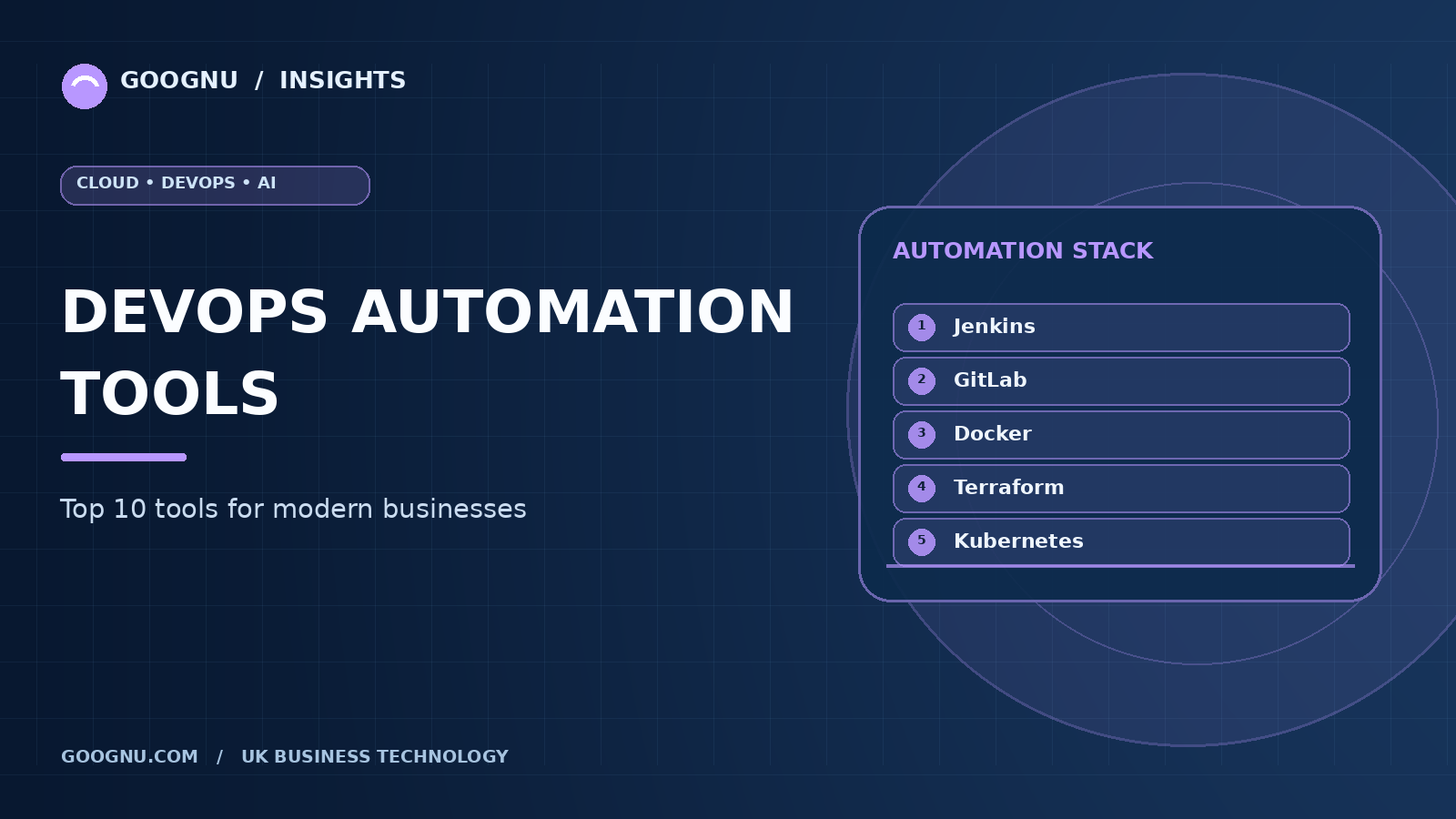
Different tools solve different problems. Some automate software delivery, while others manage infrastructure, containers, configuration, or monitoring. Here are ten widely used options.
1. Jenkins
Jenkins is an open-source automation server commonly used to build, test, and deploy applications. It allows teams to create continuous integration and continuous delivery (CI/CD) pipelines that run when code changes are submitted.
Jenkins supports a large plugin ecosystem, making it possible to connect source-code repositories, testing frameworks, build tools, and deployment platforms.
Best for: Teams that need flexible automation and control over their CI/CD pipelines.
Key benefits:
- Supports custom workflows for different projects.
- Integrates with many development and deployment tools.
- Can run on self-managed infrastructure. Teams should plan for plugin maintenance, updates, and pipeline security when using Jenkins.
2. GitLab CI/CD
GitLab CI/CD helps automate the process of building, testing, and deploying software. Teams can define pipeline stages in a configuration file and run jobs through GitLab runners.
Because GitLab combines source-code management with CI/CD features, teams can manage code changes, reviews, and delivery workflows in one platform.
Best for: Businesses that want source-code management and delivery automation closely connected.
Key benefits:
- Supports automated testing and deployment.
- Allows teams to define reusable pipeline jobs.
- Connects code reviews with software delivery. GitLab CI/CD is especially useful for teams that already manage their repositories and collaboration through GitLab.
3. GitHub Actions
GitHub Actions automates workflows directly within GitHub repositories. Teams can trigger workflows when code is pushed, a pull request is opened, or another supported event occurs.
It supports tasks such as running tests, building containers, checking code quality, and deploying applications to cloud environments.
Best for: Businesses that use GitHub for source-code management.
Key benefits:
- Connects automation to repository events.
- Offers reusable workflow components.
- Supports hosted and self-hosted runners. Teams should review workflow permissions, secrets management, and usage limits when setting up automation.
4. Ansible
Ansible is an automation tool used to configure systems, manage servers, and carry out repeated IT tasks. It uses readable YAML files called playbooks to describe the desired steps.
Unlike tools that require a dedicated agent on every managed machine, Ansible commonly connects to Linux systems over SSH and can manage Windows systems through supported connection methods.
Best for: Teams automating server configuration and routine operations.
Key benefits:
- Uses relatively simple configuration files.
- Supports repeatable server setup.
- Can automate software installation and configuration changes. Ansible is often used alongside CI/CD tools to prepare environments before applications are deployed.
5. Terraform
Terraform is an infrastructure-as-code tool that allows teams to define infrastructure in configuration files. It can manage resources across supported cloud providers and other platforms through providers.
Instead of creating every resource manually, teams can review proposed infrastructure changes and apply approved configurations through a repeatable process.
Best for: Businesses that need consistent infrastructure management across environments or cloud platforms.
Key benefits:
- Defines infrastructure as version-controlled code.
- Helps reproduce environments.
- Shows planned changes before they are applied. Terraform is useful for provisioning resources, but teams still need to manage access permissions, state files, and configuration security carefully.
6. Docker
Docker helps developers package applications and their dependencies into containers. Containers provide a consistent way to run software across development, testing, and production environments.
Docker can support automated build and deployment workflows by creating container images that can be tested, stored, and delivered to supported environments.
Best for: Teams that need consistent application packaging across different environments.
Key benefits:
- Reduces differences between development and production setups.
- Supports repeatable image builds.
- Works with many CI/CD and container management platforms. Docker helps package and run containers; teams managing large container deployments may also need an orchestration platform.
7. Kubernetes
Kubernetes automates the deployment, scaling, and management of containerised applications. It helps teams maintain the desired state of applications by managing workloads, service discovery, and recovery from certain failures.
Kubernetes is particularly useful when an organisation operates many containers across multiple machines. It can also connect with deployment automation and monitoring tools.
Best for: Businesses running container-based applications that need orchestration at scale.
Key benefits:
- Manages container workloads across a cluster.
- Supports scaling based on configured requirements.
- Helps replace failed workloads when possible. Kubernetes offers extensive control, but it requires suitable skills and operational planning. Smaller projects may not need its full capabilities.
8. Prometheus
Prometheus is an open-source monitoring and alerting system. It collects time-series metrics from applications and infrastructure, allowing teams to review performance and identify unusual behaviour.
It is often used to monitor Kubernetes environments and services that expose metrics. Teams can define alerting rules to notify them when selected conditions occur.
Best for: Teams that need metrics-based monitoring and alerting.
Key benefits:
- Collects and stores time-series metrics.
- Supports flexible queries through PromQL.
- Helps detect performance issues through alerts. Prometheus focuses on metrics. Teams may combine it with tools for dashboards, logs, and distributed tracing to gain a fuller view of application health.
9. Grafana
Grafana helps teams create dashboards that display information from supported data sources. It can present metrics, logs, and other operational data in a format that makes trends and problems easier to understand.
When connected to Prometheus or other monitoring systems, Grafana can help development and operations teams review application performance in one place.
Best for: Businesses that need visual dashboards for infrastructure and application monitoring.
Key benefits:
- Combines data from supported sources.
- Makes performance trends easier to review.
- Supports dashboards and alerting features. Grafana presents and analyses operational data; it does not replace the monitoring systems that collect the underlying information.
10. Argo CD
Argo CD is a GitOps continuous delivery tool for Kubernetes. It uses the desired application configuration stored in Git and compares it with the state of the running cluster.
When differences appear, teams can review and manage the changes according to their deployment policies. This approach makes Git an important reference point for application delivery.
Best for: Teams that deploy applications to Kubernetes and want a GitOps-based delivery process.
Key benefits:
- Tracks application configuration stored in Git.
- Helps identify differences between desired and actual states.
- Supports repeatable deployment workflows. Argo CD is most relevant to Kubernetes environments and may be unnecessary for businesses that do not use Kubernetes.
How to Choose the Right DevOps Automation Tools
You do not need every tool on this list. A useful toolset should match your team's workflow rather than add unnecessary complexity.
Consider these factors before making a decision:
- Current technology: Choose tools that work with your source-code repositories, cloud platforms, infrastructure, and application stack.
- Main automation goal: Identify whether you need to automate builds, testing, deployments, infrastructure setup, configuration, or monitoring first.
- Team experience: Consider how easily your team can learn, operate, and maintain each tool.
- Security requirements: Review access controls, secrets handling, audit records, and available security checks.
- Maintenance needs: Account for updates, integrations, hosting costs, and the time needed to manage the tools.
- Future plans: Select tools that fit your expected workloads without introducing complexity you do not currently need. A practical starting point is to automate one repeated process, measure the results, and expand only when the benefits are clear.
Building a Practical DevOps Automation Setup
Most businesses use a combination of tools rather than relying on one platform for everything. For example, a team might use GitHub Actions for CI/CD, Docker to package an application, Terraform to provision infrastructure, and Prometheus with Grafana to monitor performance.
A Kubernetes-based environment may add Argo CD for GitOps delivery. An organisation with many servers may also use Ansible to maintain consistent configurations.
The aim is to connect these tools into a workflow that teams can understand and manage. Start with clear version control, reliable tests, secure credentials, and documented deployment steps. Then introduce further automation as the application and infrastructure needs grow.
Final Thoughts
The right DevOps automation tools can help businesses reduce repetitive work, improve release consistency, and manage applications more effectively. Jenkins, GitLab CI/CD, and GitHub Actions support software delivery, while Ansible and Terraform help automate infrastructure tasks. Docker and Kubernetes support container-based applications, and Prometheus, Grafana, and Argo CD address monitoring and delivery needs.
The best choice depends on your existing setup, business goals, and team skills. Start with the processes that create the most delays, choose tools that fit those needs, and build an automation workflow that is reliable, secure, and easy to maintain.
Frequently Asked Questions
1. What are DevOps automation tools?
They are software tools that automate tasks such as code integration, testing, deployment, infrastructure provisioning, configuration management, and monitoring.
2. Which DevOps automation tool is best for beginners?
The best starting point depends on the task. GitHub Actions can be a practical option for teams already using GitHub, while Ansible can help automate routine server configuration. Terraform is useful when the main goal is infrastructure management.
3. Are DevOps automation tools free?
Several tools on this list are open source, including Jenkins, Ansible, Terraform, Docker, Prometheus, and Argo CD. GitLab, GitHub, Grafana, and other providers also offer different plans or managed services. Total costs depend on hosting, usage, support, and maintenance.
4. Can businesses use multiple DevOps tools together?
Yes. Teams commonly combine tools for CI/CD, infrastructure, containers, monitoring, and deployment management. The tools should integrate well and have clearly defined responsibilities.
5. Do small businesses need DevOps automation?
Small businesses can benefit from automation when manual releases, testing, or infrastructure tasks consume too much time. They can begin with a few tools and add more as their applications and operational needs develop.