

Imagine your business has moved most of its applications, databases and internal systems to the cloud. Teams can access the resources they need, new projects are easier to launch, and applications can handle changing workloads. However, when the monthly cloud invoice arrives, the total is much higher than expected.
This is a common problem for businesses using cloud platforms. Resources are often created by different teams, usage changes throughout the month, and some services continue running even when nobody needs them. Without proper cost tracking, it becomes difficult to understand where the money is going.
This is where FinOps cloud cost management becomes important. It helps businesses connect cloud spending with their technical and financial goals, giving teams a clearer view of what they use and the value they receive.
Why Can Cloud Spending Become Difficult to Control?
Cloud services usually follow a consumption-based pricing model. Instead of paying for a fixed amount of infrastructure, businesses pay according to the resources they use. This offers flexibility, but it can also make monthly spending less predictable.
For example, a development team may create several virtual machines to test a new application. A data team might increase storage to process a large dataset. Meanwhile, another department could leave unused services running after a project has ended.
Individually, these decisions may seem reasonable. Across an organisation, however, they can create unnecessary costs.
Common reasons for rising cloud bills include:
- Unused resources: Virtual machines, storage volumes and databases may continue generating charges after a project has finished.
- Oversized infrastructure: Businesses sometimes choose larger instances than their applications actually need.
- Limited cost visibility: Teams may not know which projects, departments or services are responsible for particular expenses.
- Unexpected usage: A sudden increase in traffic, data processing or storage can raise monthly costs.
- Poor planning: Businesses may not account for future workloads when estimating their cloud budgets.
Simply checking the final invoice does not solve these problems. Organisations need a regular way to understand usage, identify waste and make better spending decisions.
What Does FinOps Actually Mean?
FinOps is a combination of financial management, cloud operations and engineering practices. It brings finance, technology and business teams together so they can take shared responsibility for cloud spending.
The term combines the words Finance and DevOps. However, it is not just a finance activity or a technical cost-cutting exercise. It is an ongoing way of managing technology spending while considering business value.
With FinOps cloud cost management, teams can answer important questions:
- Which cloud services are costing the most?
- Are the resources being used effectively?
- Does each department understand its cloud spending?
- Can the business reduce costs without affecting application performance?
- Is the current cloud investment supporting business goals?
The main aim is not to make every cloud service as cheap as possible. It is to make sure the organisation receives suitable value from the money it spends.
The FinOps Foundation describes FinOps as a collaborative practice that supports financial accountability and data-driven decisions across engineering, finance and business teams.
How Does FinOps Work Inside an Organisation?
FinOps is not a one-time review of cloud invoices. It works through regular activities that help businesses understand spending, make improvements and monitor the results.
A useful way to understand the process is to follow the journey of a cloud expense.
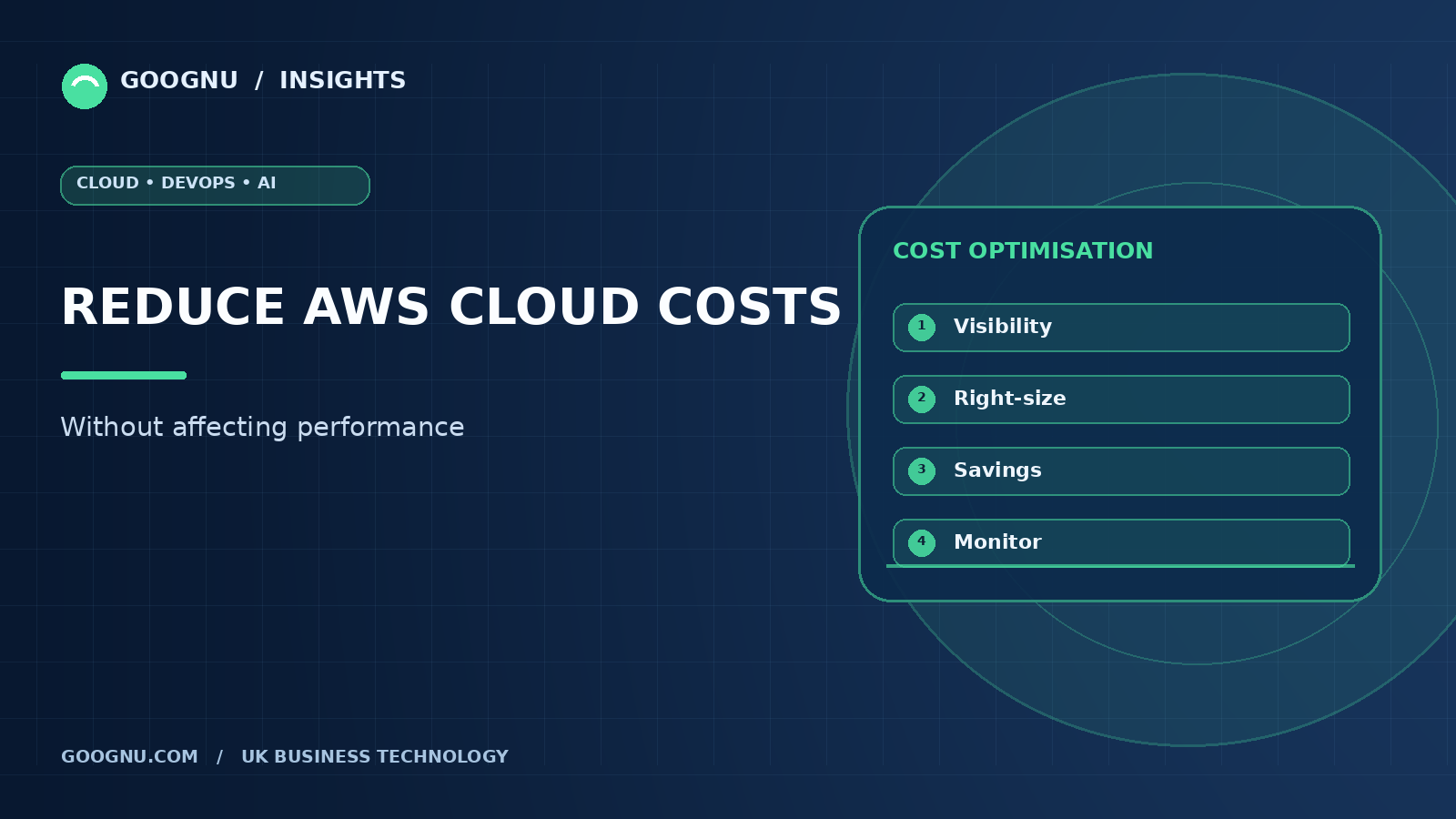
First, make cloud spending visible
Before reducing costs, teams need to understand where the money is going. Cloud billing data should be organised in a way that makes spending easier to review.
Businesses can group expenses by department, application, project, environment or service. For example, a company may separate production infrastructure from development and testing resources.
This helps managers see which teams are using the most resources and whether that spending matches their plans.
Next, connect costs with responsibility
Cost visibility is useful, but it becomes more valuable when teams know which expenses they are responsible for.
Businesses can use tagging, account structures and cost allocation policies to connect cloud resources with the teams or projects using them.
For instance, if a marketing application creates higher storage costs, the relevant team can review its usage and decide whether changes are needed.
Then, identify areas for improvement
Once the spending data is organised, engineering and finance teams can look for unnecessary expenses.
They may find idle virtual machines, unused storage, oversized databases or services running outside working hours. These findings help teams decide which changes will offer the greatest benefit.
Finally, review the results regularly
After making changes, teams should check whether costs have reduced and whether application performance remains acceptable.
Cloud usage changes over time, so a solution that works this month may need adjustments later. Regular reviews help businesses respond to these changes.
Which Practices Help Businesses Manage Cloud Costs?
FinOps involves several practical activities. The right combination depends on the organisation's cloud environment, workload requirements and financial goals.
1. Resource rightsizing
Rightsizing means matching cloud resources with actual workload requirements. If an application uses only a small portion of the available computing capacity, the team may be able to move it to a smaller instance.
However, reducing capacity without checking performance can create problems. Teams should review usage patterns before changing resource sizes.
2. Removing unused resources
Old test environments, unattached storage volumes and unused services can add to monthly bills. Regular checks help identify resources that are no longer required.
Businesses can also introduce rules for shutting down non-production environments outside working hours.
3. Improving cloud pricing choices
Cloud providers offer different pricing options, including on-demand resources, reserved capacity and spot instances. Each option has different conditions.
For workloads with predictable demand, committed-use or reserved pricing may reduce costs. Spot resources can suit certain flexible workloads, but they may be interrupted. Teams should select pricing options based on how applications operate.
4. Setting budgets and alerts
Cloud budgets help organisations set spending expectations for teams, projects and services. Alerts can notify the relevant people when usage approaches a defined limit or changes unexpectedly.
These alerts do not always stop spending automatically, but they give teams an opportunity to investigate before costs increase further.
5. Improving workload design
Cloud architecture also affects spending. The way applications store data, process requests and communicate with other services can influence resource consumption.
Engineers should consider cost when designing or updating applications, rather than waiting until the monthly invoice arrives.
Who Should Be Involved in FinOps?
FinOps works best when different teams share information and responsibilities. It should not become a task assigned only to the finance department or cloud engineers.
Here is how different roles contribute:
- Finance teams: Review cloud budgets, compare actual spending with forecasts and help departments understand financial impact.
- Engineering teams: Monitor resource usage, improve infrastructure choices and address technical waste.
- Cloud operations teams: Track services, manage resource policies and support cost monitoring.
- Business leaders: Set priorities and decide how cloud investments should support organisational goals.
- FinOps practitioners: Help coordinate the process, improve reporting and encourage collaboration across teams.
A central FinOps function can establish policies and provide guidance. However, individual teams still need to take responsibility for the resources they use.
Which Tools Can Support FinOps?
Cloud cost management tools help organisations collect billing information, review usage and identify possible savings. Many businesses begin with the tools available through their existing cloud provider.
Examples include:
- AWS Cost Explorer: Helps users review AWS spending patterns, compare costs and investigate usage.
- Microsoft Cost Management: Provides cost analysis, budgets and alerts for supported Microsoft cloud services.
- Google Cloud Billing reports: Helps businesses examine cloud charges and understand spending across projects and services.
Organisations with more complex environments may also use third-party platforms to bring cost information from different providers into a shared view.
Tools alone cannot establish a successful FinOps practice. Teams still need clear policies, accurate resource information and regular reviews to turn reports into useful decisions.
When Should a Business Start Using FinOps?
A business does not need to wait until its cloud bill becomes a major concern. FinOps can be introduced at different stages of cloud adoption.
It may be particularly useful when:
- Monthly cloud expenses are difficult to predict.
- Several departments use cloud services independently.
- The organisation operates across AWS, Azure or Google Cloud.
- Cloud spending is increasing faster than business activity.
- Teams cannot clearly connect infrastructure costs with specific projects.
- The business wants better financial control before expanding its cloud environment.
Smaller organisations can begin with basic cost reports, resource tagging and monthly reviews. Larger businesses may need detailed allocation policies, forecasting and dedicated FinOps responsibilities.
The FinOps Foundation recommends an approach that allows organisations to begin with their most important needs and improve their practice over time.
How Can Goognu UK Help With Cloud Cost Management?
Managing cloud costs requires more than looking at billing reports. Businesses need to understand their infrastructure, application requirements and usage patterns before making changes.
Goognu UK helps organisations make informed cloud decisions through cloud consulting and infrastructure management services. This can include reviewing cloud environments, identifying areas that need attention and supporting better resource planning.
A structured approach to cloud management can help businesses understand their infrastructure expenses, review resource usage and make suitable improvements without overlooking performance, reliability or security.
For organisations using multiple cloud platforms, having a clear view of their environments is especially important. Cost decisions should consider how different services work together and what the business needs from them.
Frequently Asked Questions
Is FinOps the same as cloud cost optimisation?
No. Cloud cost optimisation focuses mainly on improving resource usage and reducing unnecessary expenses. FinOps is broader because it also includes financial visibility, forecasting, shared responsibility and decisions based on business value.
Does FinOps only apply to large businesses?
No. Small and medium-sized businesses can also use FinOps practices. They can begin by tracking cloud expenses, removing unused resources and setting budgets. The process can become more detailed as cloud usage grows.
Can FinOps work across AWS, Azure and Google Cloud?
Yes. FinOps principles can be applied across different cloud providers. Businesses can review spending from each platform, organise costs by team or project and use suitable reporting tools to understand their overall technology expenses.
How often should cloud costs be reviewed?
Businesses should monitor cloud spending regularly. Automated alerts can help identify unusual changes, while weekly or monthly reviews allow teams to examine usage patterns, compare budgets and decide which improvements are needed.
Does FinOps reduce cloud performance?
FinOps should not reduce performance simply to lower expenses. Its purpose is to find a suitable balance between cost, performance, reliability and business requirements. Any resource changes should be tested against application needs.