

Moving business systems to the cloud is a major decision. A company may want to replace ageing servers, improve application performance, support remote teams, or make its IT infrastructure easier to manage. Microsoft Azure offers services that can help with these goals, but moving existing systems requires careful planning.
An Azure migration is not simply a matter of copying files from one location to another. Applications, databases, user accounts, network connections, and business processes may all depend on the existing environment.
For UK businesses, there is another important consideration: personal data must continue to be handled responsibly throughout the move.
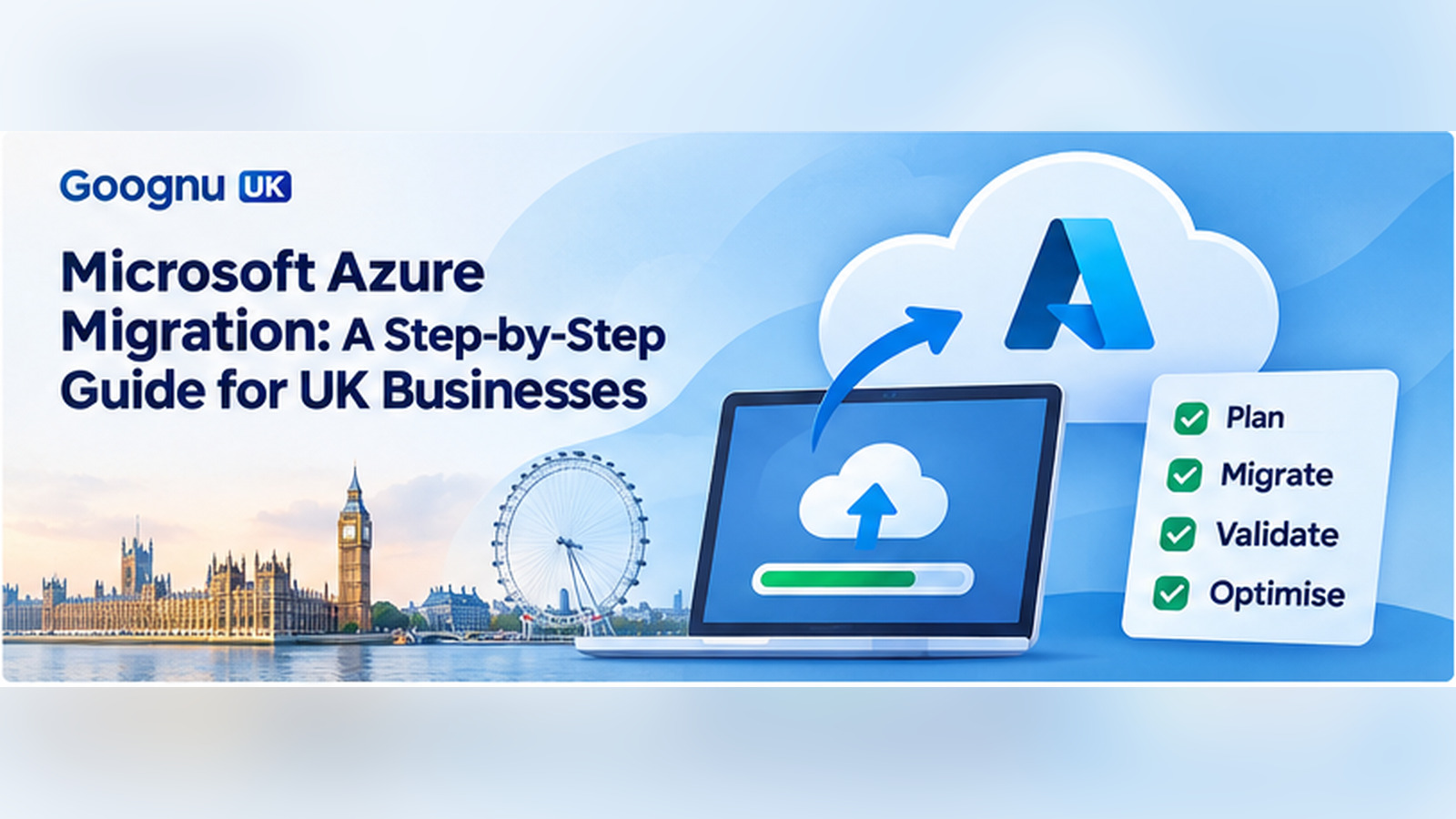
This guide follows the main stages of an Azure migration, from the first assessment to the final review, and explains what businesses should consider at each stage.
Stage 1: Decide What Should Move to Azure
Before choosing migration tools, take a close look at your existing IT environment.
Some businesses try to move everything at once, but that can create unnecessary work and increase the risk of disruption. A better starting point is to identify which systems would benefit most from moving.
Create an inventory of:
- Applications: Websites, business software, internal tools, and customer-facing platforms.
- Servers: Physical servers and virtual machines running business workloads.
- Databases: SQL databases, customer records, transaction data, and reporting systems.
- Files and storage: Documents, backups, media files, and shared business information.
- Connections: Networks, external applications, APIs, and third-party services.
Next, identify which systems are essential for daily operations. A customer ordering platform, for example, may need more careful planning than an old internal application used occasionally.
Microsoft Azure Migrate can help discover infrastructure, assess workload readiness, estimate costs, and plan migration activities. It supports assessments for servers, databases, and web applications. Microsoft Learn
The outcome: A clear picture of what your business owns, what it needs, and which workloads should be considered first.
Stage 2: Choose the Right Way to Move Each Workload
Not every application needs the same migration approach. The best method depends on its age, architecture, performance requirements, and business importance.
Here are four common approaches:
Rehost – Move with limited changes
This approach moves an existing application or server to Azure with minimal changes. It may suit businesses that want to leave an ageing data centre without redesigning every application.
Replatform – Make selected improvements
The application moves to Azure with some changes to its underlying infrastructure. For example, a business might move a database to a managed Azure database service rather than continuing to maintain its own database server.
Refactor – Improve the application
This involves changing parts of the application to make better use of cloud services. It may be suitable when a business wants to improve performance, deployment, or maintenance.
Retire or replace – Remove what is no longer needed
Some systems may be outdated or duplicated. Rather than moving them, a business can retire them or replace them with a more suitable application.
The important point is to select an approach for each workload rather than applying one migration method to the entire business.
Stage 3: Prepare Your Azure Environment Before the Move
Once the migration approach is clear, the next task is to prepare the destination.
Think of this stage as preparing a new office before employees arrive. The space needs the right access arrangements, equipment, connections, and rules.
In Azure, this means setting up the foundations for the workloads being moved.
Your preparation should cover:
- Azure subscriptions: Organise the subscriptions and resource groups needed for different workloads.
- Identity and access: Set up user accounts, administrator permissions, and suitable access policies.
- Networking: Plan virtual networks, connectivity, firewalls, and communication between applications.
- Security: Establish encryption, monitoring, access controls, and security policies.
- Governance: Decide how resources will be named, managed, monitored, and approved.
Businesses should also establish a suitable Azure landing zone. This provides a planned foundation for hosting and managing workloads.
Microsoft's Cloud Adoption Framework provides guidance on preparing, governing, securing, and managing an Azure environment.
Stage 4: Plan the Data Migration Carefully
Data often requires more attention than businesses initially expect. A company may have information spread across databases, local servers, shared folders, and older applications.
Before moving it, decide what needs to be transferred, what can be archived, and what should be removed according to the organisation's retention requirements.
For database workloads, assess compatibility, data size, dependencies, and downtime requirements. Azure provides different database services, so the destination should match the application's technical needs.
For larger data environments, businesses may also need to review how information is collected, stored, and used after migration. Data lake consulting services can help organisations plan data structures, storage arrangements, and analytics requirements when moving or developing a data lake environment on Azure.
A few checks are especially important:
- Verify that the source data is accurate and complete.
- Identify applications that depend on the data.
- Plan how new records will be handled during migration.
- Protect information while it is transferred.
- Check whether the migrated data can be accessed and used correctly.
UK organisations should also consider their responsibilities under UK GDPR and the Data Protection Act 2018. If personal information is made accessible to separate organisations outside the UK, international transfer rules may apply. The ICO explains these requirements in its guide to international transfers.
Stage 5: Run a Pilot Before Moving Everything
A full migration should not be the first time your team tests the new environment.
Choose a suitable workload for a pilot. It should be important enough to provide useful learning but not so critical that an early issue would seriously affect business operations.
During the pilot, check:
- Whether the application works correctly in Azure.
- Whether users can access the systems they need.
- Whether data has transferred accurately.
- Whether response times meet expectations.
- Whether security and backup controls work as planned.
Record any problems and correct them before moving more workloads.
This stage also gives employees an opportunity to become familiar with the new environment. If the migration changes how people access applications or complete tasks, provide clear instructions before the wider move.
Stage 6: Move Workloads in Planned Groups
Once the pilot has been tested successfully, begin the main migration.
Avoid moving every system at the same time unless there is a clear reason to do so. Group workloads according to their dependencies and business importance.
For example, a business might move its internal reporting system first, followed by its customer database and then its main application. The actual order should depend on which systems rely on one another.
Before each migration, confirm:
- The migration window and responsible team.
- Backup and recovery arrangements.
- Data synchronisation requirements.
- The process for redirecting users and application traffic.
- The steps to follow if the migration needs to be reversed.
After each group is moved, test it before continuing. This makes problems easier to identify and prevents one failed migration from affecting every business system.
Stage 7: Check, Improve, and Retire the Old Environment
The migration is not finished just because applications are running in Azure.
Your team should compare the new environment with the performance, security, and cost expectations established during planning.
Review application response times, resource usage, database performance, access permissions, monitoring alerts, and backup recovery. Check whether virtual machines and storage resources are correctly sized.
Also review cloud spending. Resources that are larger than necessary or left running without a business purpose can increase monthly costs.
Once the migrated systems have been validated and the business is confident they are operating correctly, plan the retirement of the old environment. Remove unused resources, update documentation, and close any subscriptions or services that are no longer required.
What Can Go Wrong During an Azure Migration?
Even a well-planned project can face difficulties. Some common problems include:
Unexpected application dependencies: An application may rely on an older database, server, or external connection that was missed during the initial assessment.
Incorrect cost estimates: Workloads may use more storage, computing power, or network resources than expected.
Data transfer issues: Large datasets or poor connectivity can affect migration time and data consistency.
Employee disruption: Users may struggle if access methods or application behaviour change without proper communication.
Security gaps: Incorrect permissions or missing controls can expose information after migration.
These problems are easier to manage when businesses assess dependencies early, test in stages, document responsibilities, and maintain a clear recovery plan.
Make Your Azure Migration a Planned Business Change
A successful migration should give your organisation a cloud environment that supports its actual needs. It should not simply move existing problems from one location to another.
Goognu UK helps businesses assess their cloud requirements and explore Azure migration, consulting, and management services. With the right planning, workload selection, and technical support, organisations can move to Azure while keeping business operations and data protection in focus.
Frequently Asked Questions
1. How long does an Azure migration take?
It depends on the number of workloads, data volume, application complexity, and testing requirements. A small migration may take weeks, while a large business environment can require several months or longer.
2. Can businesses migrate from AWS or Google Cloud to Azure?
Yes. Businesses can move suitable workloads from AWS, Google Cloud, and other environments to Azure. They should assess application compatibility, data dependencies, costs, and the services required before starting.
3. Does Azure migration cause downtime?
It can, depending on the migration method and application requirements. Careful planning, data synchronisation, pilot testing, and suitable cutover arrangements can help reduce disruption.
4. Is Azure Migrate free to use?
Azure Migrate provides migration assessment and planning capabilities, but costs may apply to the Azure resources and other services used during migration. Businesses should check the current pricing and service terms before starting.
5. What should UK businesses check before migrating personal data?
They should understand where personal data is stored, who can access it, how it will be protected, and whether any international transfer requirements apply. They should also review their responsibilities under UK data protection law.